Choosing the right security setup can feel like stepping into a maze. There are countless brands, conflicting reviews, and a mix of technical jargon that most homeowners understandably don't want to wade through. Yet getting it right matters — you want a system that works on the coldest December night, the wettest Salford morning, and the busiest day on your home WiFi.
When researching security cameras Manchester homeowners quickly realise that the decision really comes down to four pillars: Power, Connection, Storage, and Control. Once you understand these, everything else falls into place.
This guide breaks down each pillar in plain English, helping you choose a system that truly suits your home and how you live.
Want to Learn More?
We offer professional security camera installation across Manchester with no subscription fees.
See Our Camera Options1. Power Sources Explained
Solar & Wireless Cameras
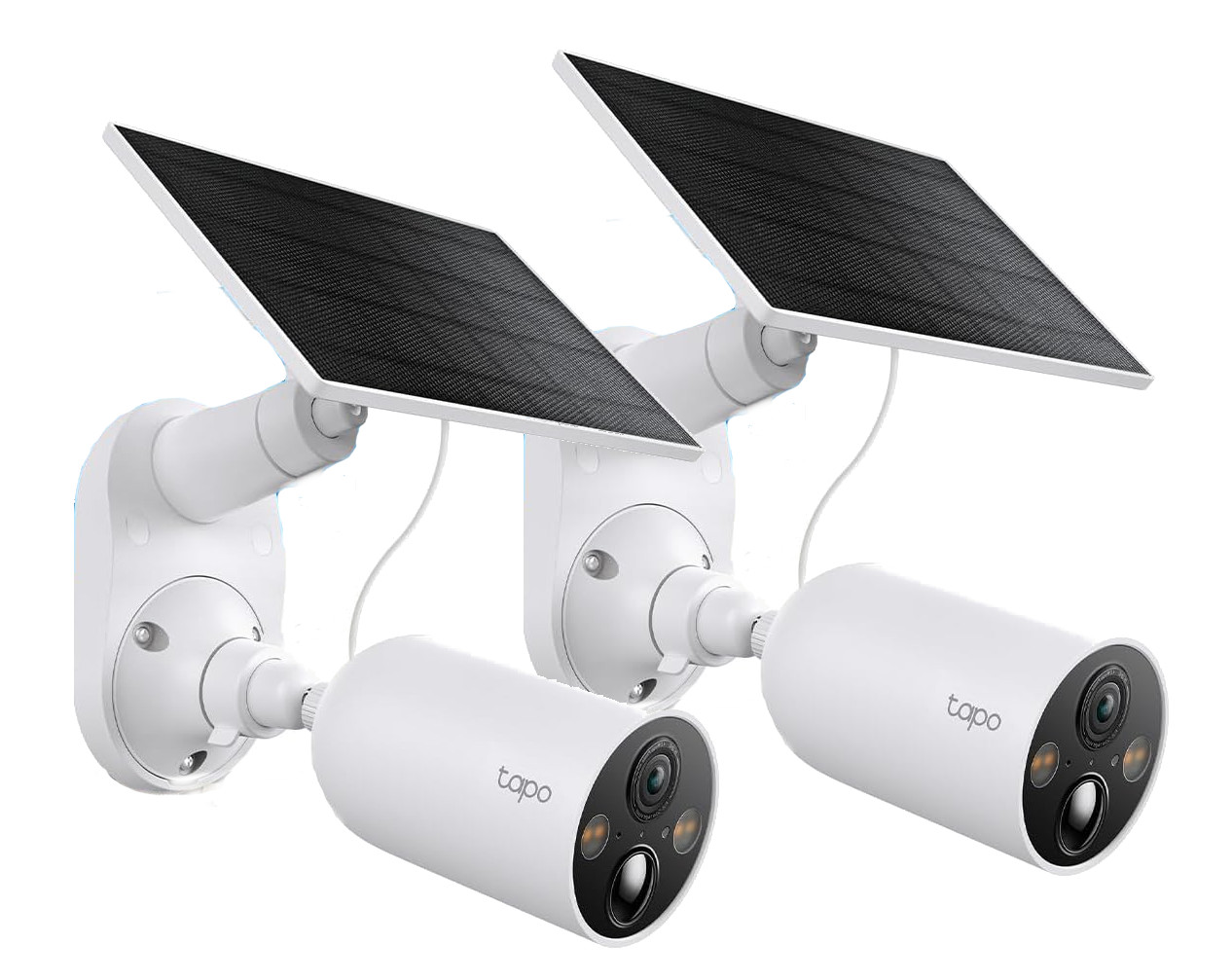
Solar and wireless systems have evolved dramatically in the last few years. The early models struggled in the UK's famously unpredictable climate, but the newer generation — especially from Reolink and Eufy — has proven itself reliable even through Manchester winters.
A good solar camera can keep itself topped up year-round thanks to efficient low-power modes and larger panels. They're an ideal choice for:
- Front doors and porches
- Side passages
- Sheds and garages
- Rental properties
- Homes where you want to avoid drilling or the expense of electrical spurs
For one to four cameras, a solar/wireless setup is absolutely legitimate. You get quick installation, no need for an electrician, and the flexibility to position cameras anywhere sunlight touches. The key is choosing reputable brands, not the ultra-cheap imports.
PoE (Power over Ethernet)
If solar is the lightweight, flexible option, PoE is the heavyweight champion. These cameras use a single Ethernet cable carrying both power and data, giving you:
- Uninterrupted 24/7 power
- A stable, hardwired connection
- Zero reliance on WiFi congestion
- Professional-grade durability
PoE is ideal for four or more cameras, larger homes, awkward layouts, or anywhere WiFi struggles. It does require cabling work, which increases installation cost, but the payoff is long-term reliability and consistent performance.
2. The Connection – WiFi vs Wired
WiFi Cameras
WiFi cameras are perfectly fine when used sensibly. For three or fewer devices, most households won't notice any major issues — provided the cameras sit well within range of a strong signal.
But there's a common pitfall:
Most ISP routers in the UK (Virgin, Sky, BT) aren't designed to handle multiple continuous video streams. They're built for phones and TVs, not 24/7 HD uploads. Push them too hard and you may experience:
- Lag or buffering
- Cameras dropping offline
- Notifications arriving late
- General WiFi slowdown across the home
If you're keen on WiFi cameras, keep the camera count low or consider upgrading to a mesh system.
PoE (Wired Ethernet)
Wired cameras bypass all those issues. With no reliance on WiFi, your footage streams directly through cable to your recorder. For reliability, dependability, and long-term consistency, PoE remains the professional standard.
3. Storage & Control – The Critical Choice
Cloud-Based Systems (Ring, Nest, Arlo)
Cloud-based systems continue to dominate the big-brand market, offering convenience and polished apps. But as long-term security solutions, they come with significant drawbacks:
- Recurring monthly fees
- Your footage stored on someone else's servers
- Reliance on the provider staying in business and maintaining the service
- Risk of product changes or shutdowns (Google has discontinued Nest products before)
For serious home security, they're rarely the best option.
The Real 2-Year Cost: Cloud Cameras vs. Local Systems
| System Type | Hardware (3 cams) | Installation | Monthly Fee | 12 Months Total | 24 Months Total |
|---|---|---|---|---|---|
| Ring | £330 | £180 | £8/month | £606 | £798 |
| Nest | £400 | £200 | £12/month | £744 | £1,048 |
| Arlo | £450 | £180 | £13/month | £786 | £1,036 |
| Local Solar (Eufy) | £400 | £200 | £0 | £600 | £600 |
| Local PoE NVR | £600 | £800 | £0 | £1,400 | £1,400 |
Cloud systems often cost 2–3× more over 2 years, while locking you into subscriptions and external control.
Local NVR Systems
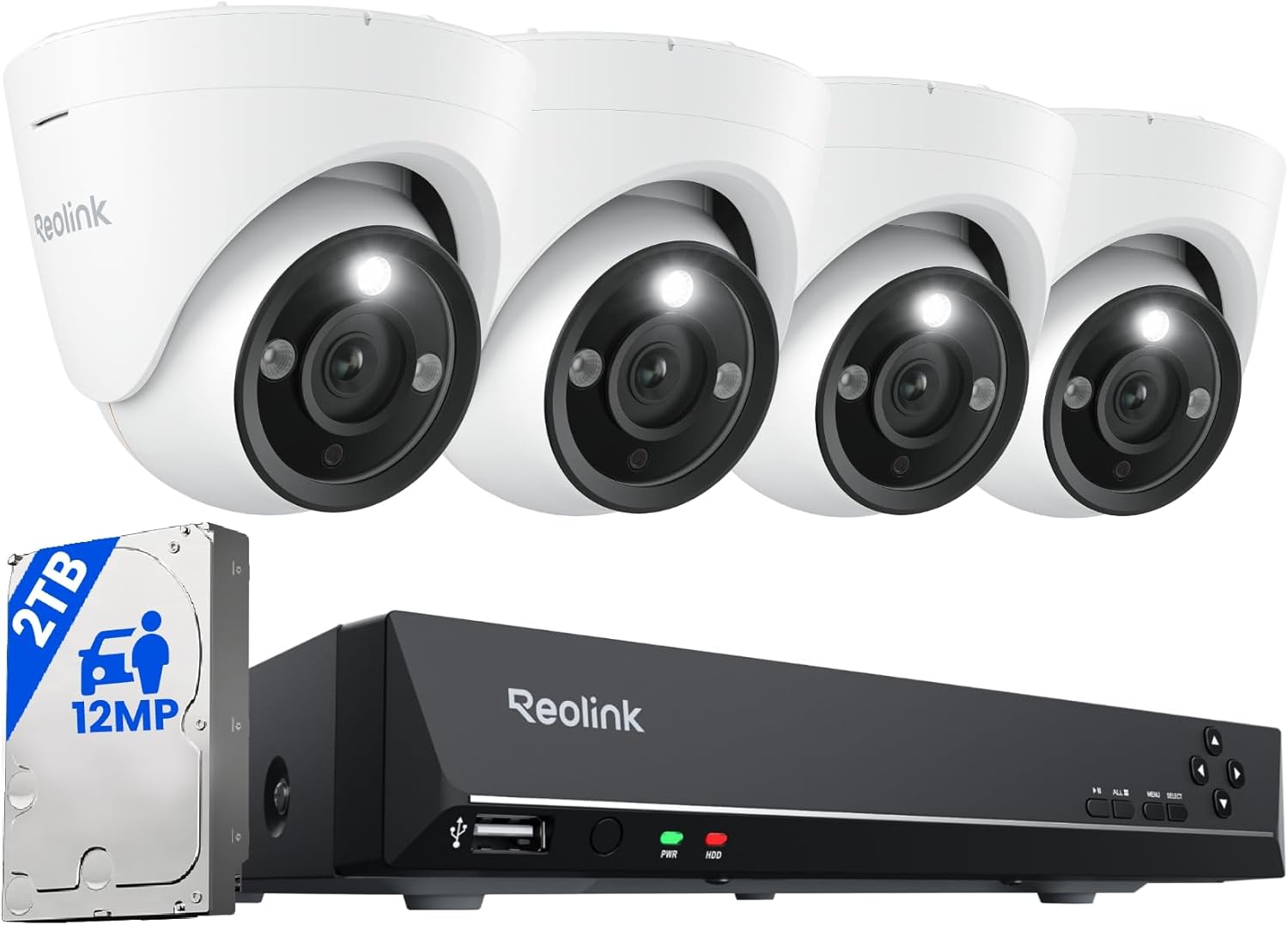
PoE cameras pair well with an NVR (Network Video Recorder), keeping every recording inside your home:
- No fees
- No cloud dependency
- Control over data retention
- Reliable 24/7 recording
If you want a set-and-forget system that's private and predictable, an NVR is the strongest choice.
Local SD Card + On-Device AI (Frigate, etc.)
For tech-savvy users, local AI systems offer advanced detection (people, vehicles, animals) without sending anything to the cloud. It requires more setup and horsepower but delivers excellent accuracy while keeping your data private.
4. Brand Recommendations & Warnings
Brands to Avoid
Sub-£50 no-name imports: These often suffer from poor reliability, weak security, and minimal software support. They tend to fail when you need them most.
Avoid for Serious Security
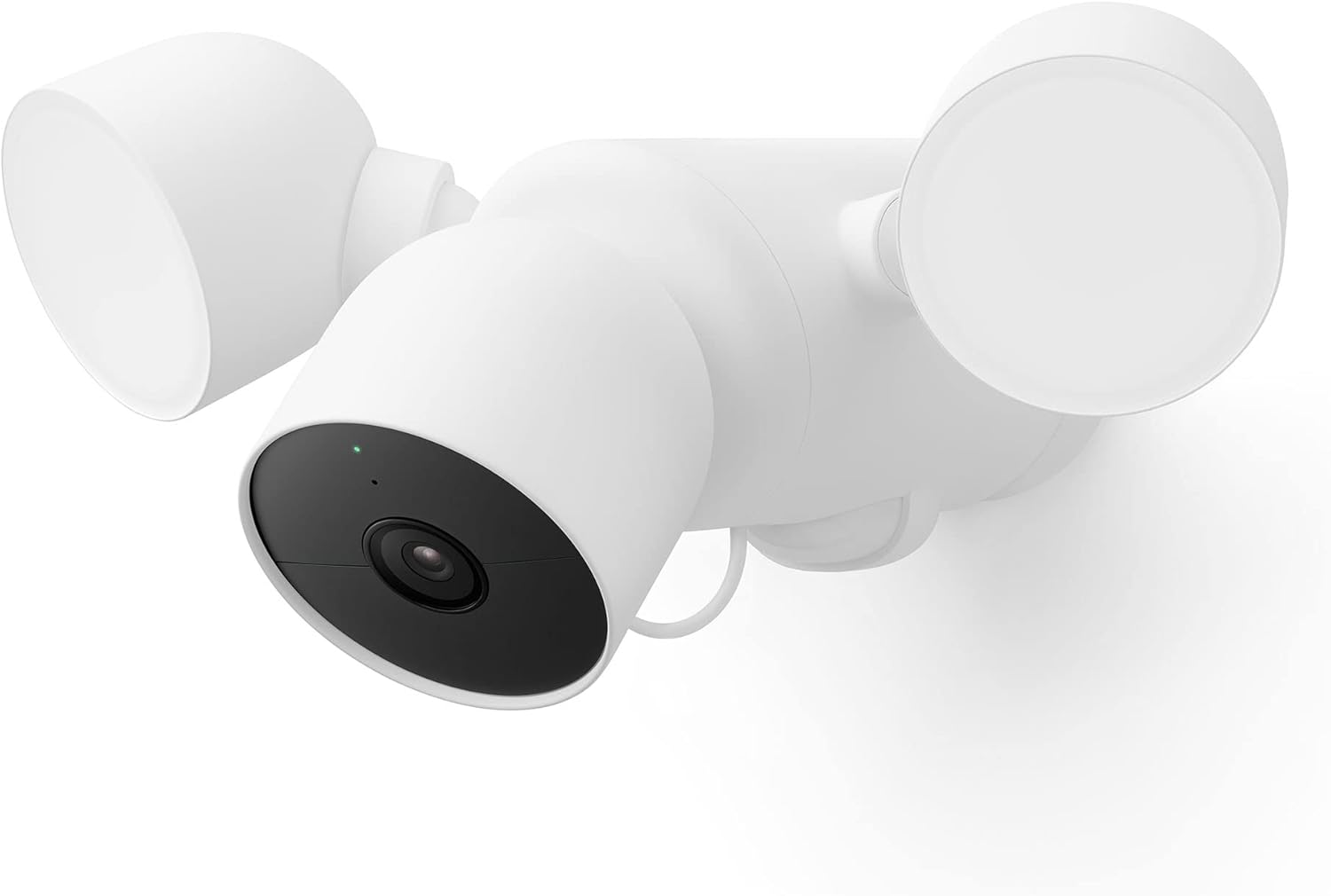
Cloud-locked ecosystems like Ring, Nest, and some Arlo tiers limit your control and pile on long-term costs. For a casual front-door camera, they're fine. For a true security system, they're restrictive.
Recommended Brands
- Reolink – Strong PoE and solar lineup, reliable apps, local storage
- Eufy – Excellent wireless performance, great battery life, no mandatory fees
- Tapo (TP-Link) – Well-priced, reliable, supports SD cards
- Aqara – Smart home-friendly with solid hardware and local storage options
These brands give you long-term control without the subscription trap.
The Importance of Professional Planning & Installation
Choosing the right components is only half the job. A security system is ultimately defined by how well it's installed, configured, and supported.
WiFi & Network Health
A camera is only as strong as its connection. Standard ISP routers in Manchester often struggle under the weight of multiple video streams. Professional planning can include upgrading to a mesh network, ensuring strong, stable coverage across your home and garden — fixing a bottleneck that many installers overlook.
From 'Watchers' to 'Event Viewers'
Your viewing habits shape your ideal system. Someone who wants constant live views ("watcher") will benefit from PoE and a local NVR. Someone who mainly checks alerts ("event viewer") might be perfectly served with wireless or solar units. Understanding this early prevents overspending or under-specifying your setup.
Expert Installation & Integration
A clean, reliable system requires careful work: discreet weatherproof cabling for PoE, correct camera positioning to avoid glare and blind spots, proper configuration of intelligent local AI systems like Frigate, and seamless integration with your home automation. Professional installation transforms a collection of components into a cohesive, dependable system.
Investing in professional design and installation prevents false economies, ensures peak performance, and gives you a single point of contact for ongoing support — turning technical complexity into straightforward peace of mind.
Interested in Learning More?
Professional solar camera installation from £275. No subscriptions. Full Manchester coverage.
Conclusion: How to Choose the Right Setup
Many homeowners don't realise that their goals dramatically change the best system for their needs. Some want constant, continuous viewing for peace of mind, while others only care about accurate alerts when someone approaches the property. This difference shapes everything — from whether you need PoE cabling and an NVR to whether a simple battery camera will do the job. A good consultation focuses on how you actually use the system, not just the hardware on the box.
And installation matters just as much as the equipment. For wireless setups, camera placement and WiFi health are essential, and sometimes that means upgrading the network to support the load. For full coverage, discreet and durable PoE cabling gives the highest long-term reliability. For advanced setups, local AI systems like Frigate offer powerful detection and smart-home integration without handing anything to the cloud. Whatever the requirement — simple or sophisticated — professional planning turns it into a polished, dependable system you can rely on.
To bring it all together: 1–3 cameras are usually best served by good-quality solar or WiFi units. For full-property coverage, or if WiFi is already creaking under pressure, a PoE system gives the strongest long-term foundation.
Above all, choose equipment you control. Avoid systems that restrict features behind subscriptions or keep your footage on someone else's servers. The landscape of security cameras Manchester homeowners can choose from is wide, but the best systems are the ones that keep your data local, your costs predictable, and your home protected for years to come.